Upload a clip, add reference images, pick a length and quality. One sentence restyles, relights or recasts your footage.
- 01
Drop in a clip
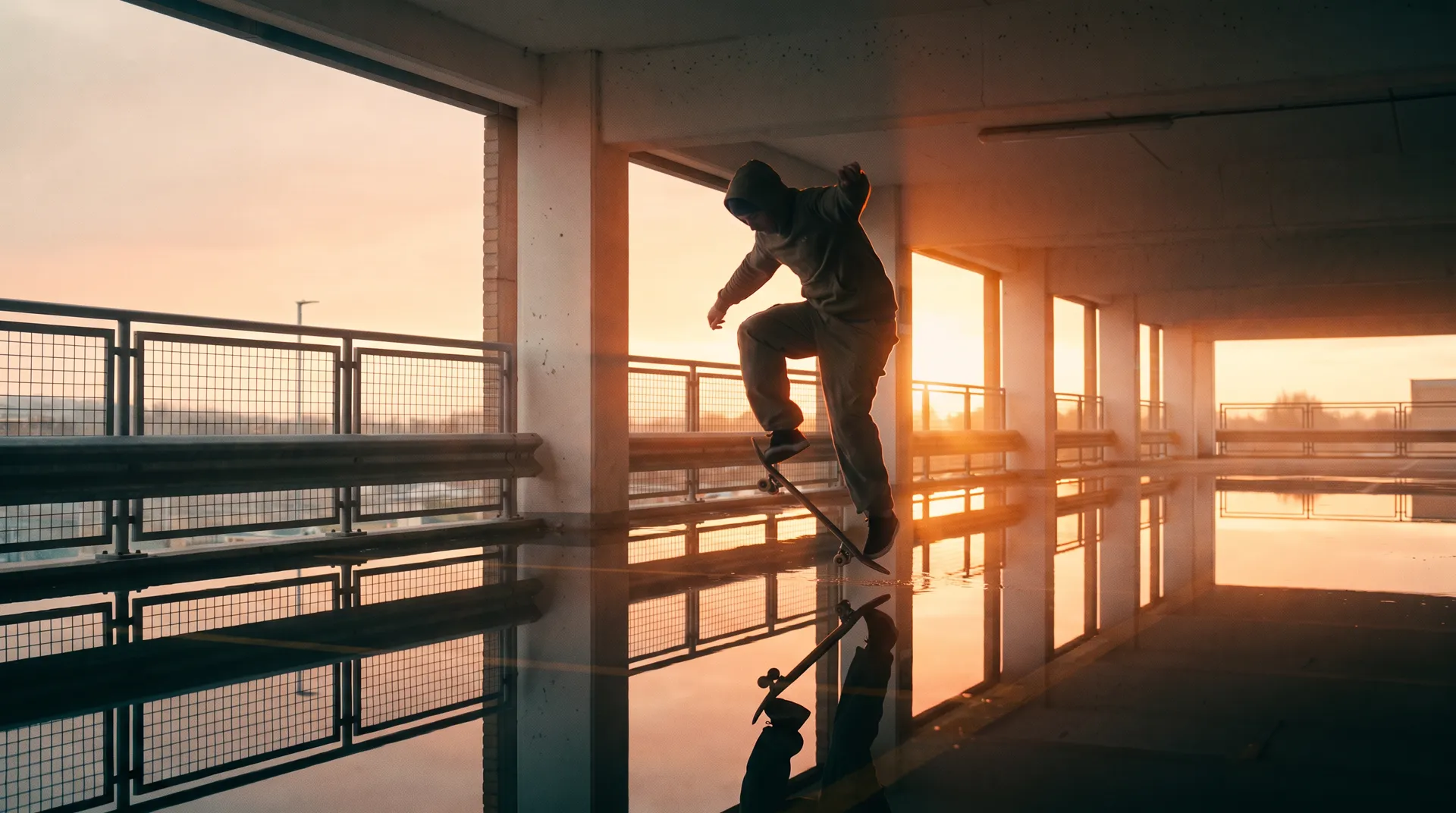
Any MP4, MOV or WebM between 2 and 15 seconds. It becomes the motion and framing the edit follows.
- 02
Add references
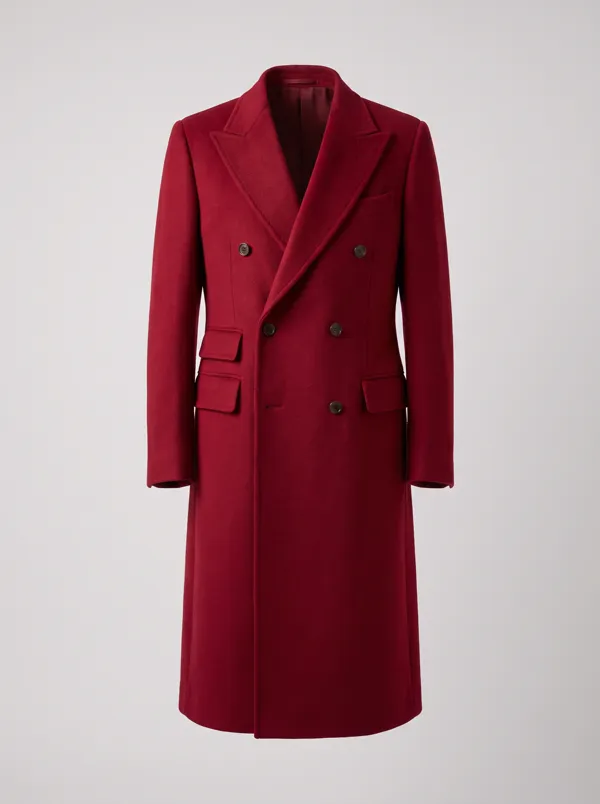
Up to nine images: a wardrobe piece, a product, a mood frame. Call them Image 1, Image 2 in your prompt.
- 03
Describe and render
Write what should change, pick 5 to 15 seconds and 480P, 768P or 1080P. Your edit is back in minutes.
- 01
Drop in a clip
Any MP4, MOV or WebM between 2 and 15 seconds. It becomes the motion and framing the edit follows.
- 02
Add references
Up to nine images: a wardrobe piece, a product, a mood frame. Call them Image 1, Image 2 in your prompt.
Image 1 Image 2 Image 3 - 03
Describe and render
Write what should change, pick 5 to 15 seconds and 480P, 768P or 1080P. Your edit is back in minutes.
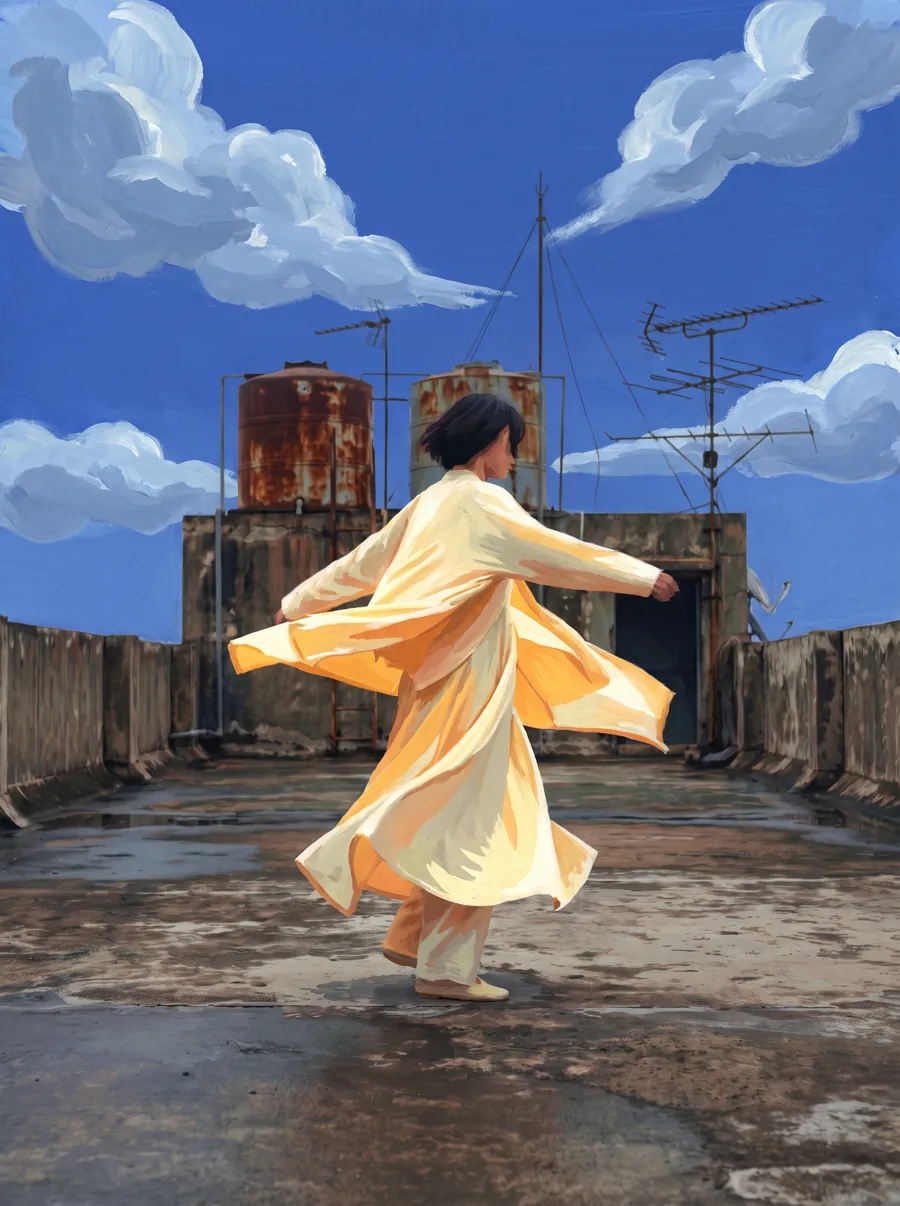
Restyle, relight, swap a season or a wardrobe. Frames below are illustrative stills of each direction.
Crosswalk walk-through“Dress her in the coat from Image 1 and make it a snowy blue-hour evening.”5-15s
Choose any output length from five to fifteen seconds.
Three quality levels
- 480PFast drafts
- 768PEveryday edits
- 1080PFull HD finals
Your source, kept in motion
Clips from 2 to 15 seconds in MP4, MOV or WebM. Framing, subjects and camera moves carry through.
2-15s
9
Reference images per edit
Products, outfits, faces, colour palettes.
Questions, answered.
What kinds of edits work best?
Changes to style, lighting, weather, setting, wardrobe and props. The model keeps the motion and framing of your clip, so describe what should look different rather than new camera moves.
How do reference images work?
Each image you add is numbered in the studio. Mention it in your prompt, for example “put the jacket from Image 1 on the rider”, and the edit pulls that look in.
How long does a render take?
Usually one to a few minutes. Longer clips and 1080P take a little more time. Keep the studio open and the result appears when it is ready.
Why was my clip rejected?
The source has to be between 2 and 15 seconds and under 200 MB, in MP4, MOV or WebM. Trim longer footage before uploading.
What happens to my uploads?
Your clip and images are stored temporarily so the model can read them, and are deleted after 24 hours. Submitted clips are shared with the EditMe team for review. Render links are temporary, so download any result you want to keep.